


finally a lens marker for your teleprompter
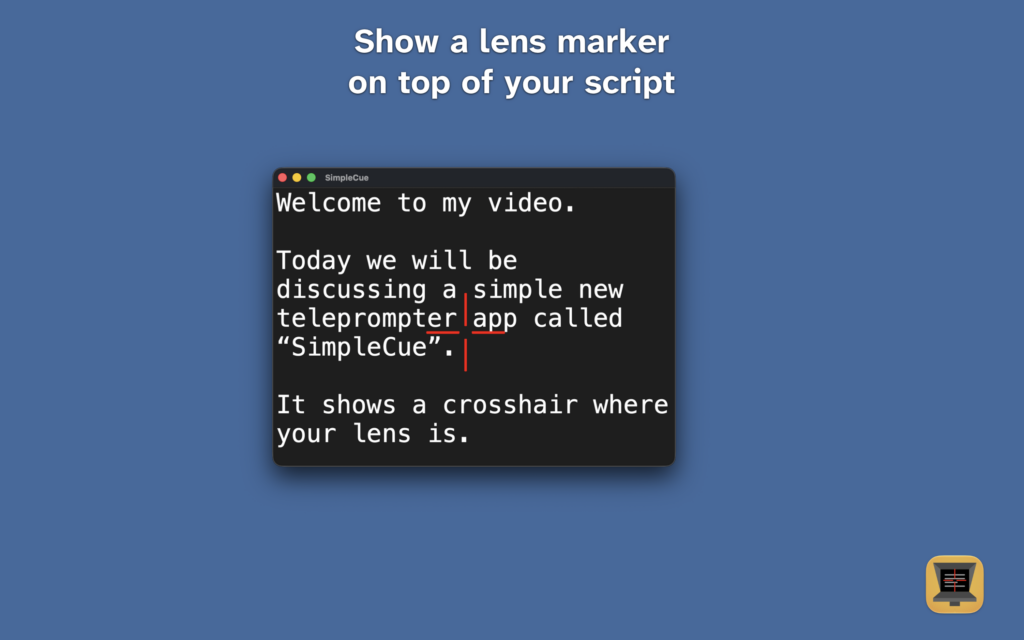
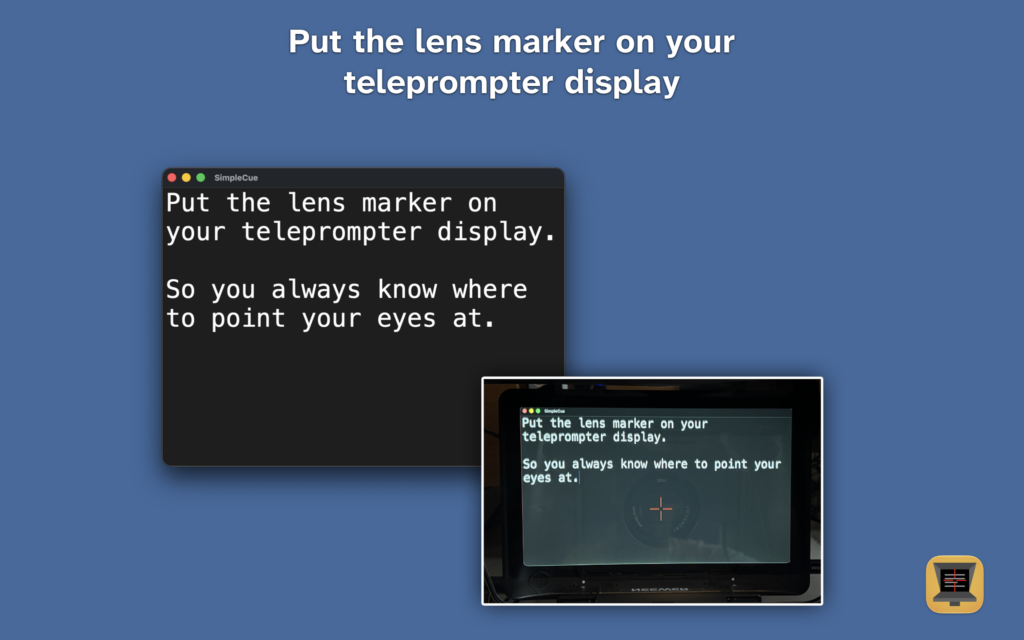
SimpleCue is a simple teleprompter app. It can display a crosshair on top of your video script text to indicate where the camera lens is. You place this lens marker at the exact lens position of your camera, so you will always know exactly where to point your eyes while reading your script.
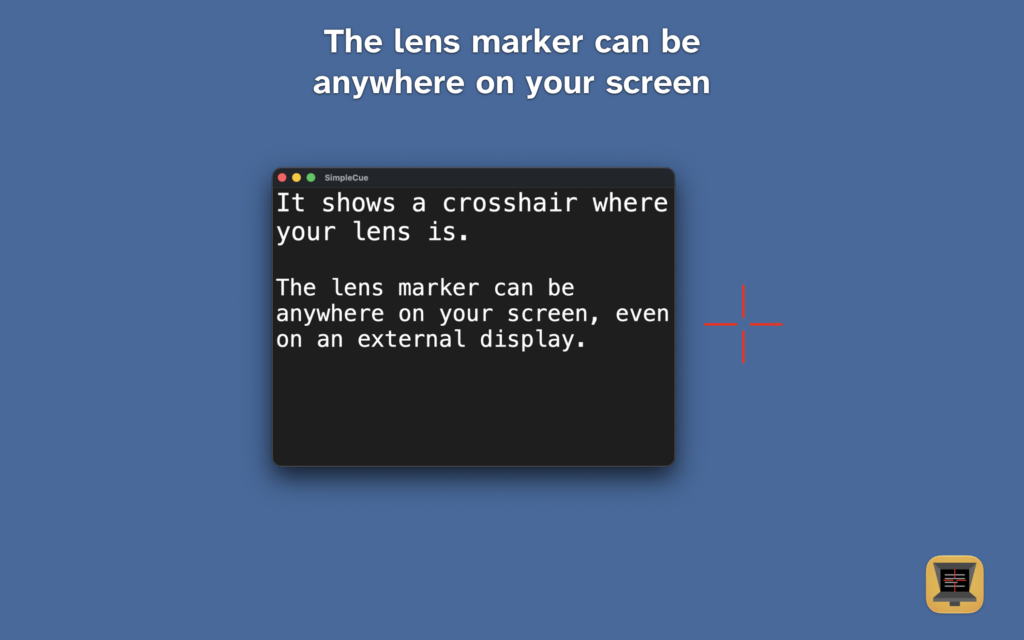
In fact, you can place the crosshair anywhere on your screen and it will stay there, always indicating where the center of your lens is. Please note that this app does not support auto-scrolling or line-by-line prompting.

Features
- open a file containing your script or paste the text
- place a lens marker (crosshair) anywhere on your screen
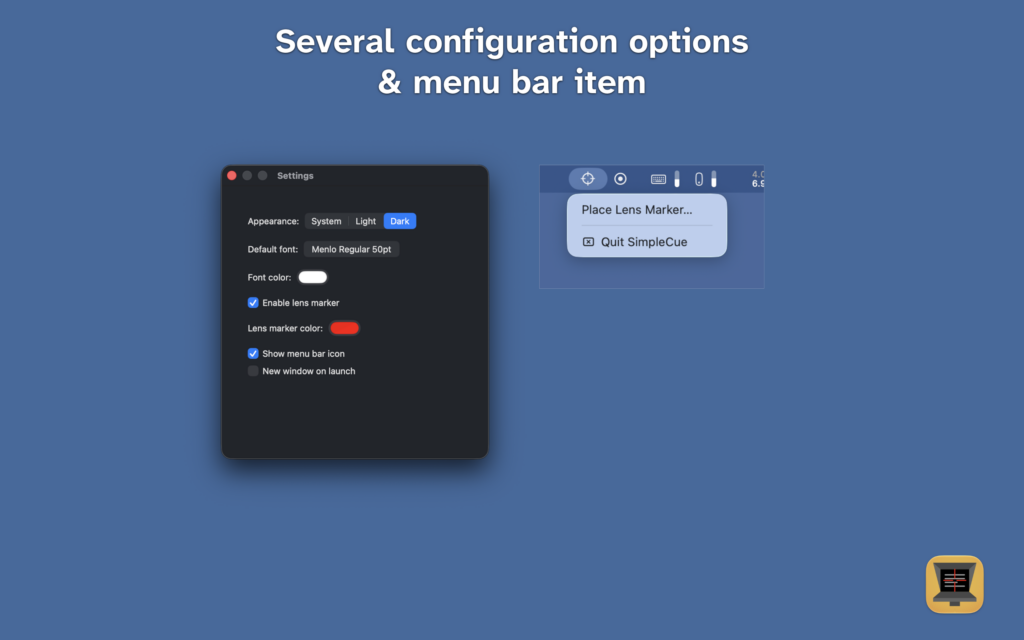
- change the lens marker color
- lens marker always stays visible, even if you scroll the text or move the window
- external displays supported
- optional menu bar item
- checks for updates upon launch
- NO ads
- FREE to download and use
Privacy
- This app does not send or store any data anywhere
- No tracking and analytics
- Visit the privacy policy
This macOS app is not available in the App Store but free to download and use. If you want to support me, SimpleCue contains a “Buy me a Coffee” link in the settings. Alternatively, you can buy me a coffee right now.